
Pecha Kucha Update #1
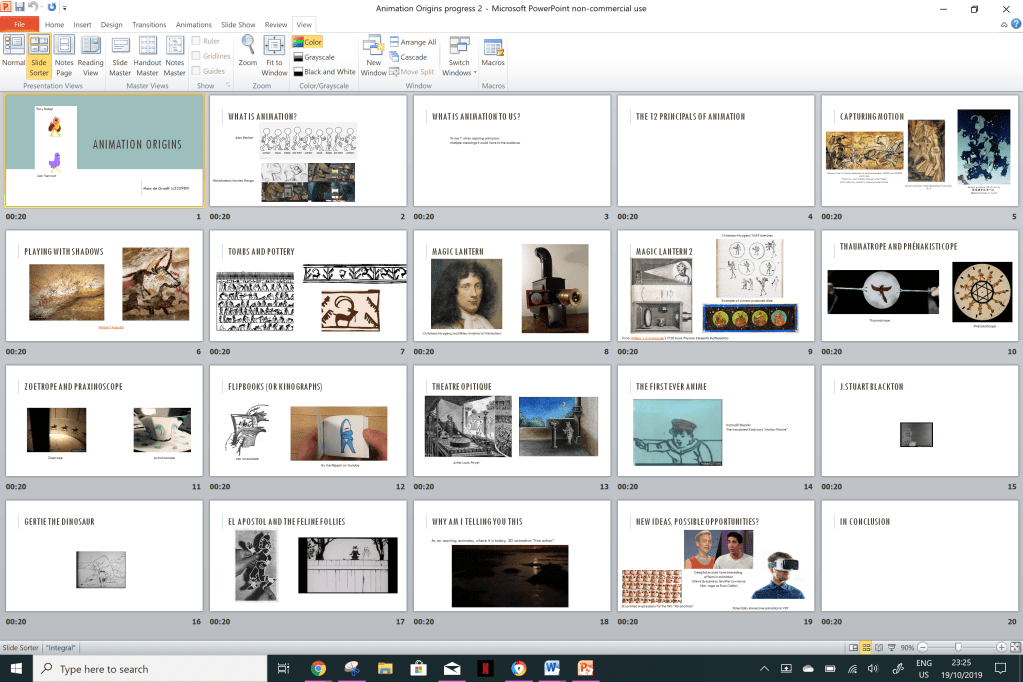
The subject I chose to do for my Pecha Kucha is the early history of animation. Initially I thought it would start with the rubber-hose style of animation common with early Disney. Pop-eye, Betty Boo p etc. However the history of animation went back much further than I thought which is really interesting. After briefly doing some basic research I threw together a table in Word with 3 columns labelled “Subject”, “Script” and “Images”. Then I put together a draft PowerPoint as seen below. I always wanted to include gifs to emphasise the points in the presentation, and I’m considering personally animating the little character from the blog interacting with the subjects in the topics I discuss. But that will mean a lot more planning and time, so for now it’s just an idea. I haven’t got a definitive script yet, just the points I’d like to go over and the visuals to support that. The feedback after showing my draft was that I needed to focus more on the introduction and conclusion, as the actual content seemed to drag on for a while longer than necessary. I also need to relate it more the audience and myself, by adding a more personal touch.

Pecha Kucha Update #2
I’ve started to re-arrange my slides, as well as condense some subjects and expanding the outro and intro. I’m slowly writing the script, and leaving the visuals for more broad subjects (such as the intro and outro) until I’ve finalised it. I also want to work more on the layout of the actual images, and I’ve made some of the gifs smaller, as the large size of them would make the PowerPoint seem crowded and stuffy. So now I just have to focus on finishing up the script and polishing the visuals, as well as practice the speech to make sure it fits into the 20 second time. I’ve also decided not to personally animate examples, as it would take too long and I am not confident in my abilities to rush it out.
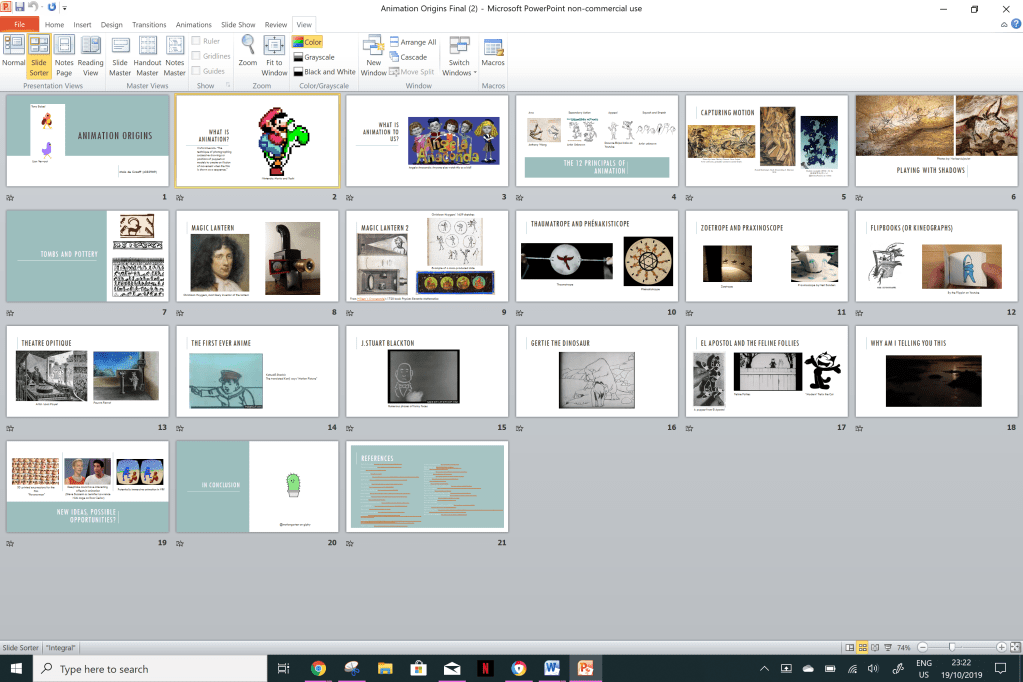
Final Pecha Kucha Update
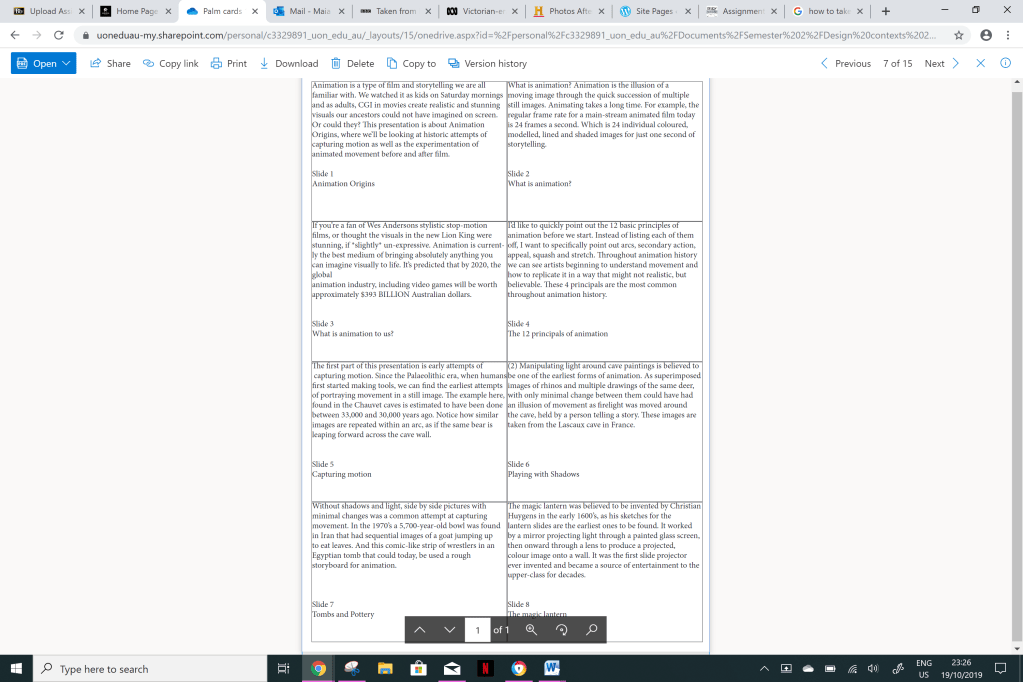
As seen below, I found that the PowerPoint template I’ve been using has its own layouts for how many images you have on a slide. This has made my layouts much more visually legible and interesting, as some slides even have a hierarchy- so thank you PowerPoint templates! I’m pretty happy with how the final product turned out, If I could go back and change anything I would try to practice the script more, and maybe reduce the amount content in my speech, because I think I might have to rush in some parts in order to keep up with the slides. Also, I put in how I made my palm cards, I copied the script I wrote in the Word document table and pasted it into the InDesign document to print out. The final Word document table has six coloums, “Slide number”, “Subject”, “Points”, “Script”, “Visuals ”,“ Script and References.
 Design Doodles